

1. Navigate to https://classroommosaic.com/
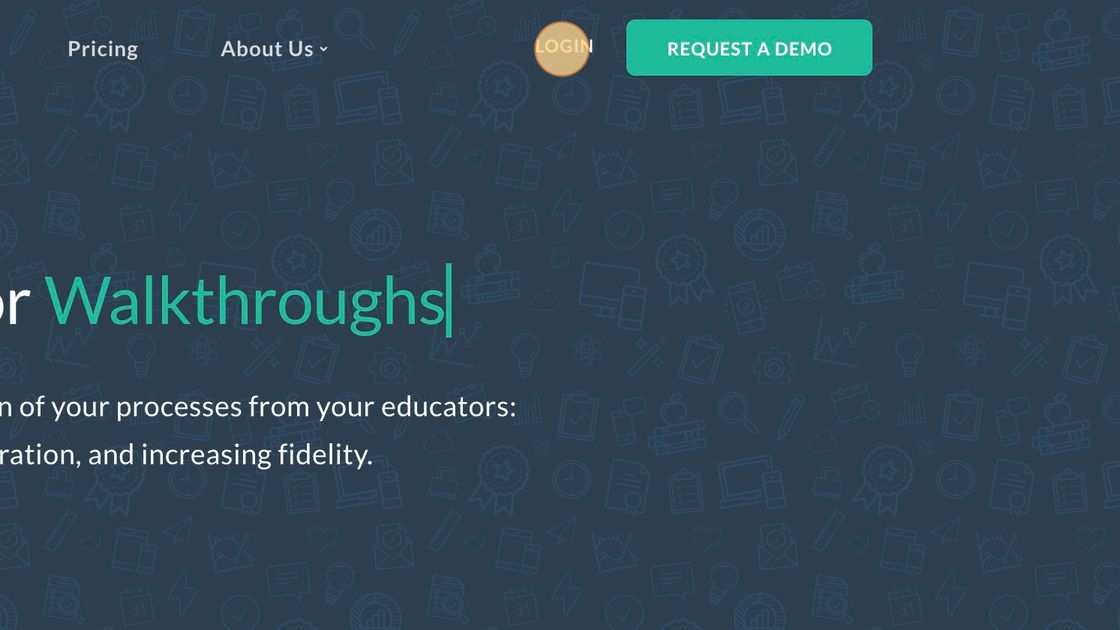
2. Click "Login" (top right)
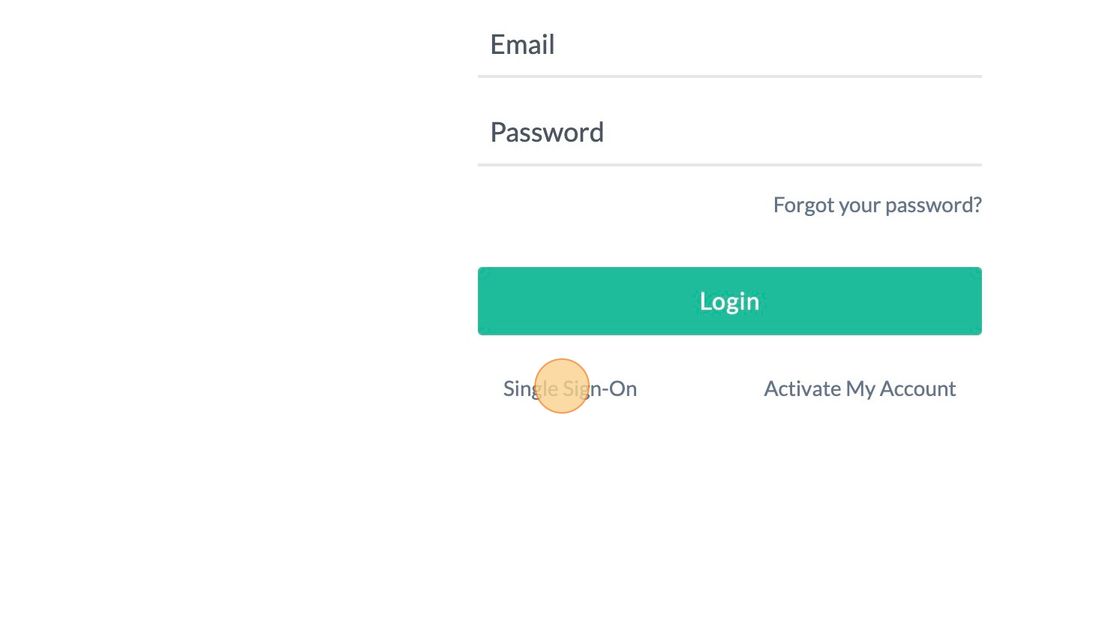
3. Click "Single Sign-On"
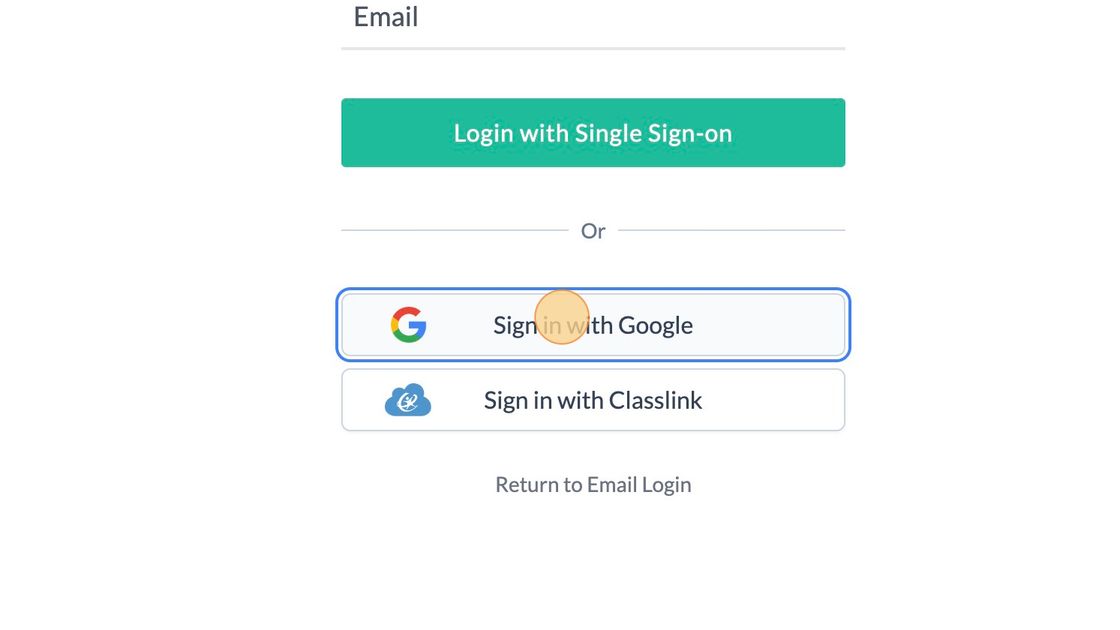
4. Click "Sign in with Google"
5. Click your school email address.
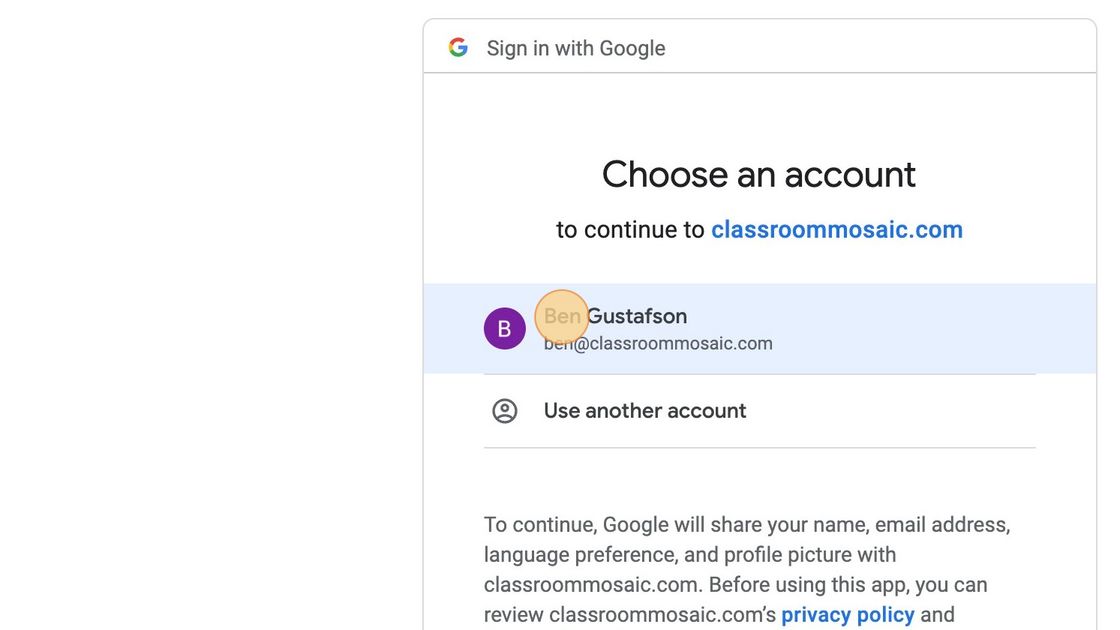
6. You will be automatically logged in! ?
⚠️ If you receive an error, email support@classroommosaic.com with a screenshot.
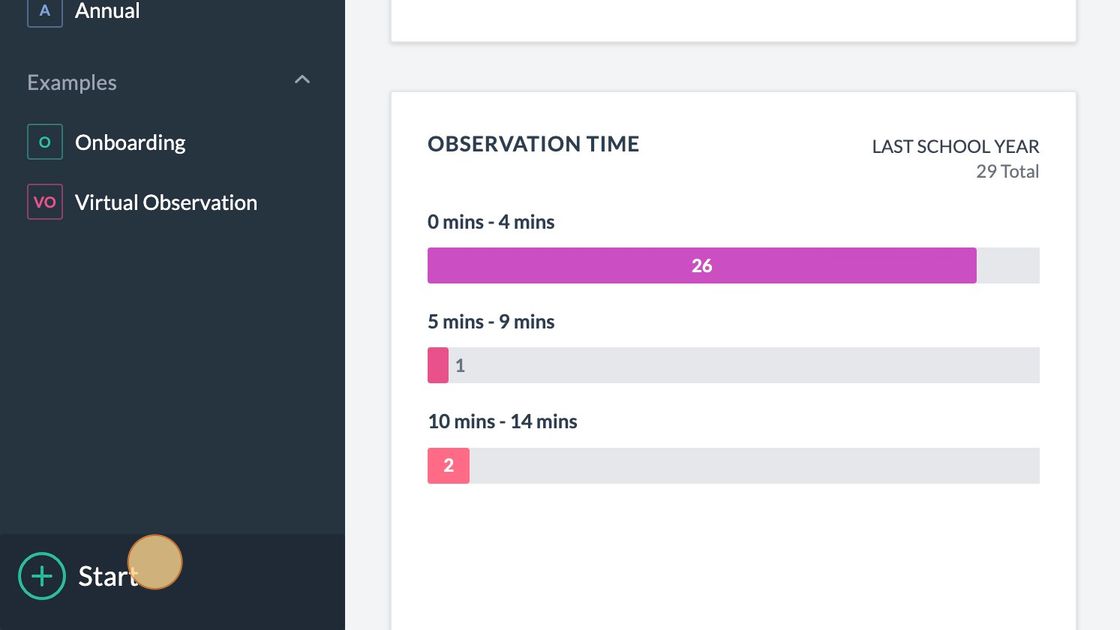
7. To being observing, Click "Start"
7. Happy Observing!