Made by Classroom Mosaic with Scribe
1. Navigate to app.classroommosaic.com
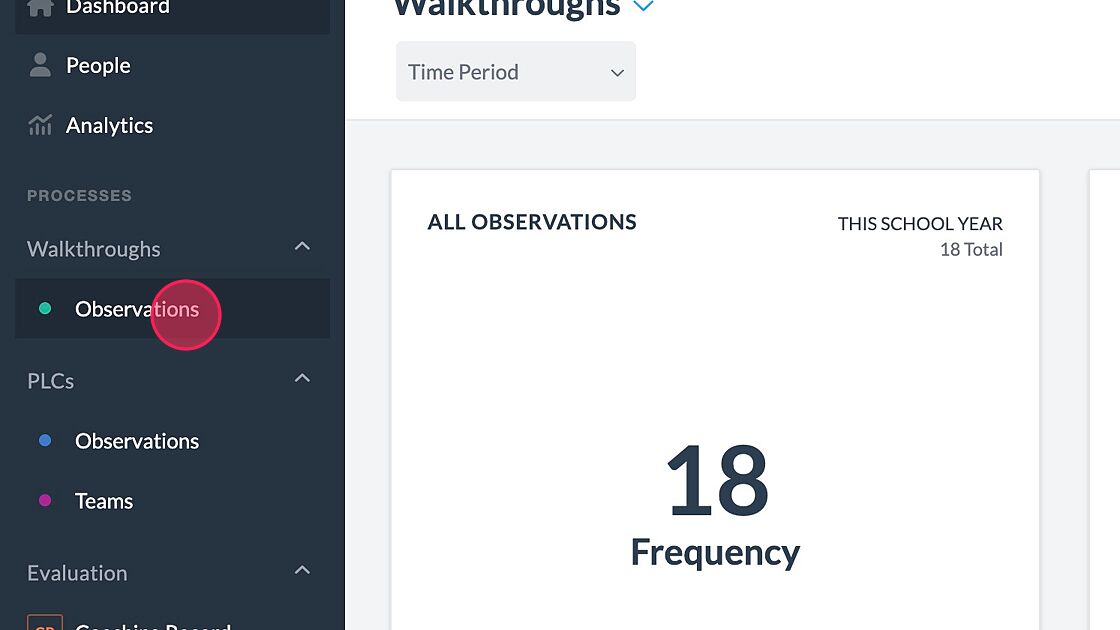
2. Click "Observations"
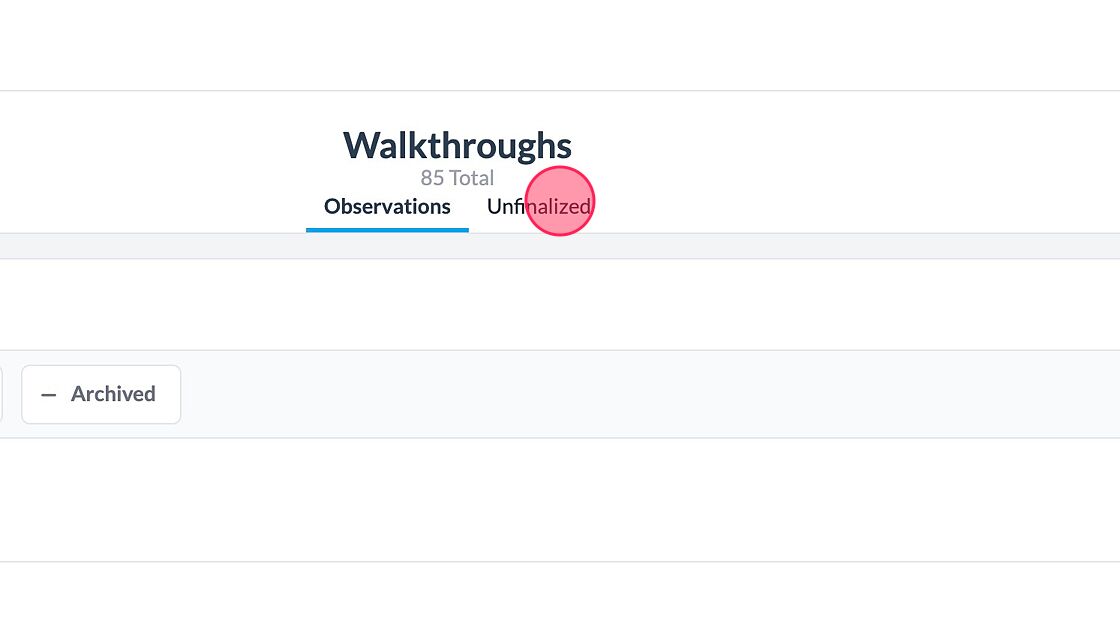
3. Click "Unfinalized"

How can we help?
Get help straight from the Classroom Mosaic team.
Walkthroughs
Need to resume an observation that you didn't submit? This article will show you how!
Last updated on 23 Feb, 2024
Made by Classroom Mosaic with Scribe
1. Navigate to app.classroommosaic.com
2. Click "Observations"
3. Click "Unfinalized"